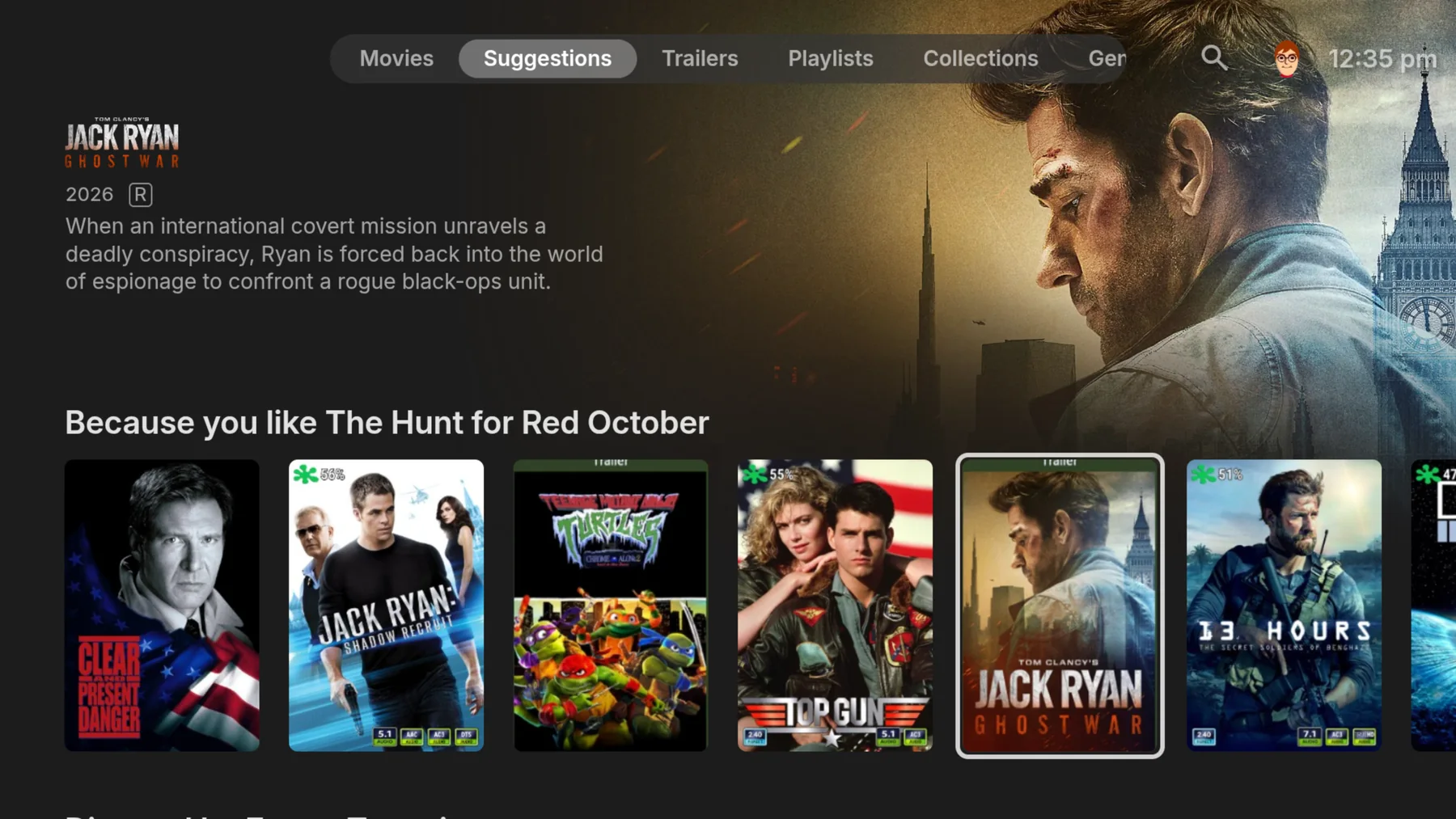
01 / ORGANIZE
Beautifully organized.
Point Emby at your folders and it transforms them into a rich, easy-to-browse library with artwork, details, recommendations, and everything in its place.
Your personal media server
Emby organizes and streams your own videos, music, photos, and live TV from your personal server to every screen you own.
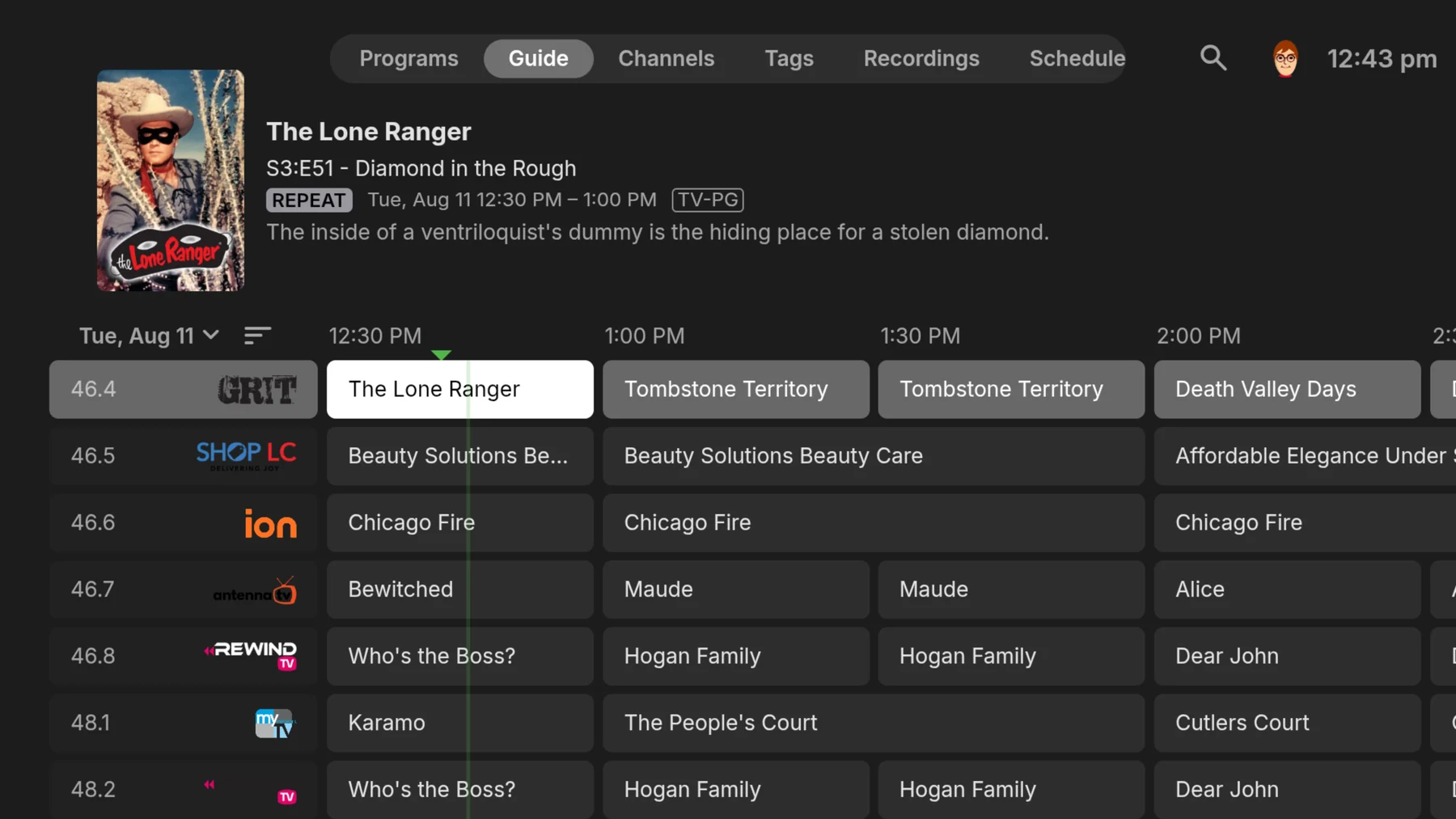
Everything in its place
Your Emby Server handles the busywork behind your personal media library, keeping your content organized, private, and ready on your devices.
Point Emby at your folders and it transforms them into a rich, easy-to-browse library with artwork, details, recommendations, and everything in its place.
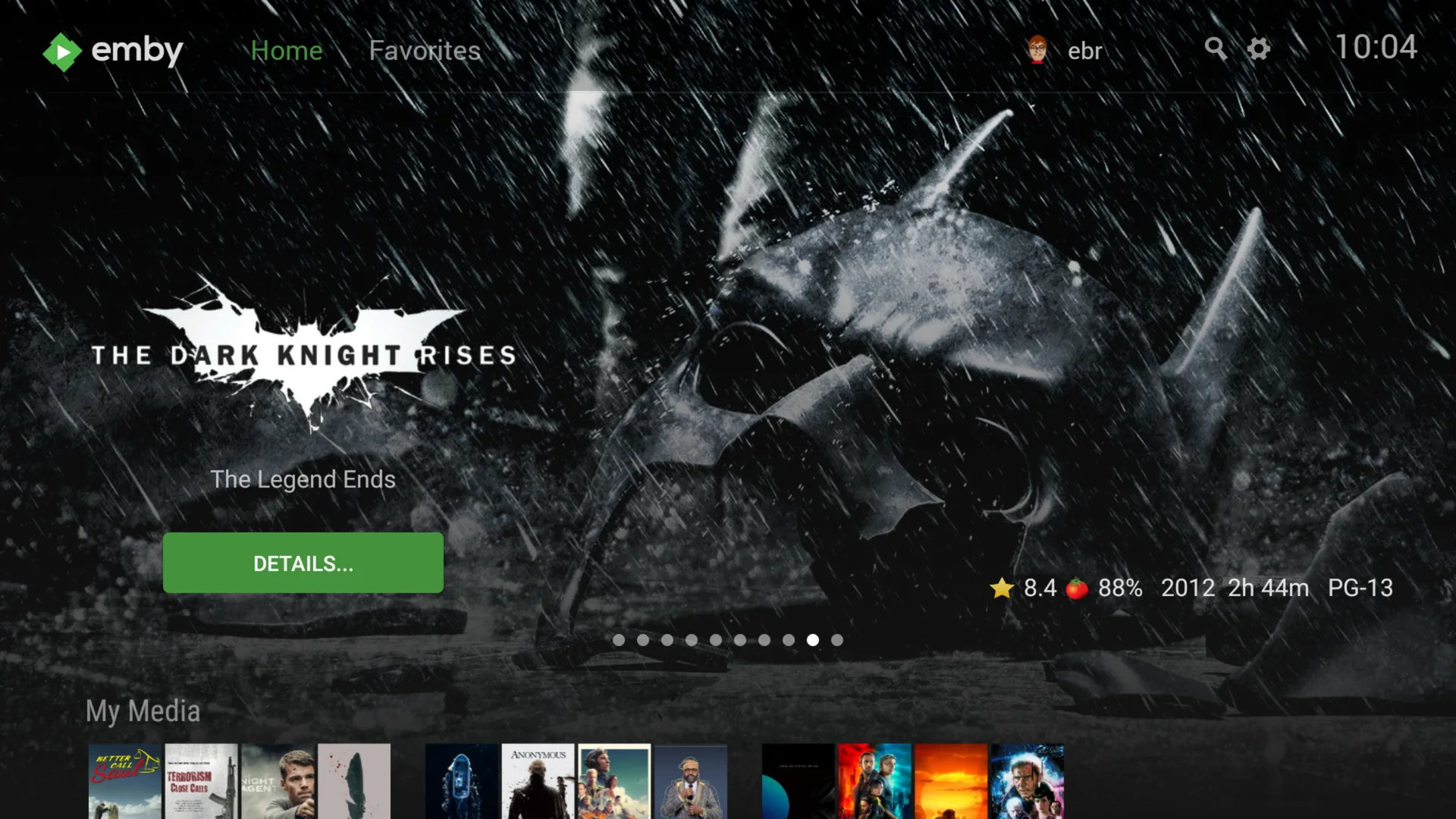
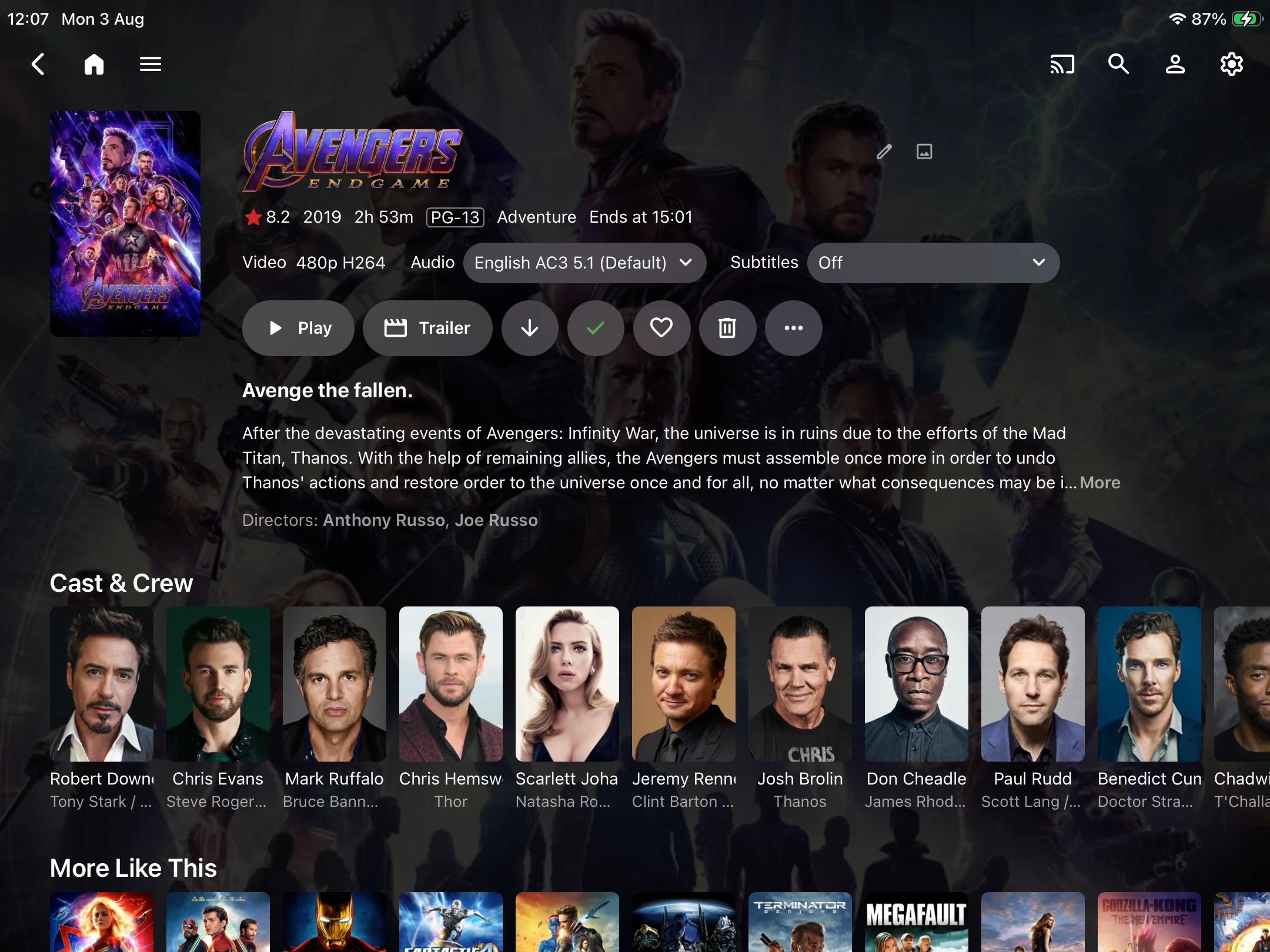
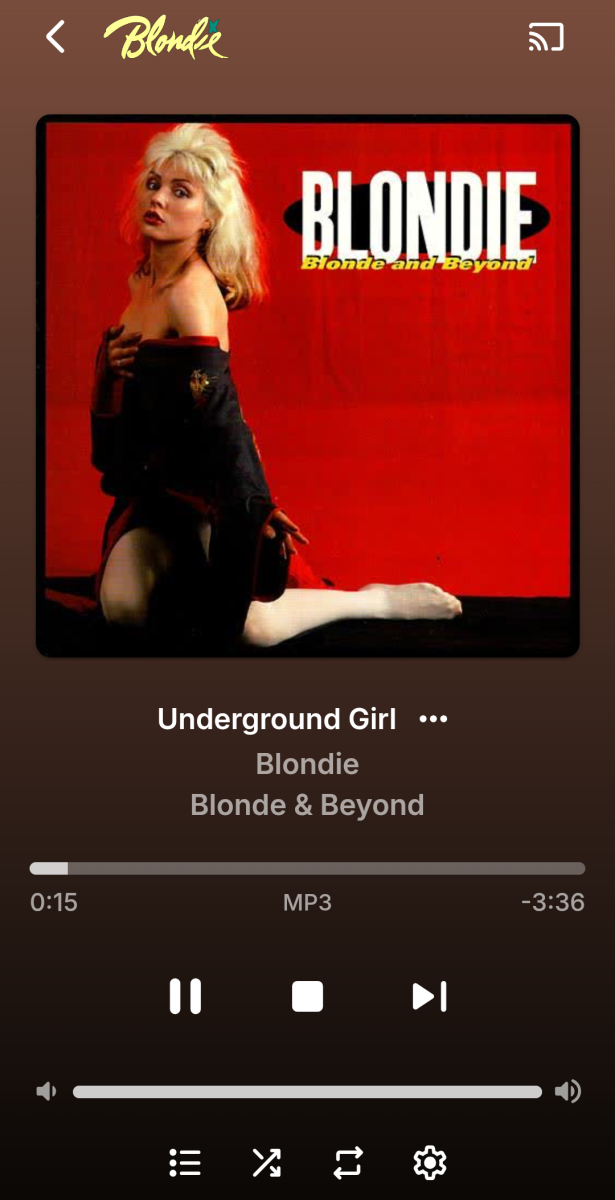
Enjoy your own library on TVs, phones, tablets, computers, consoles, and more—at home or securely while you’re away.
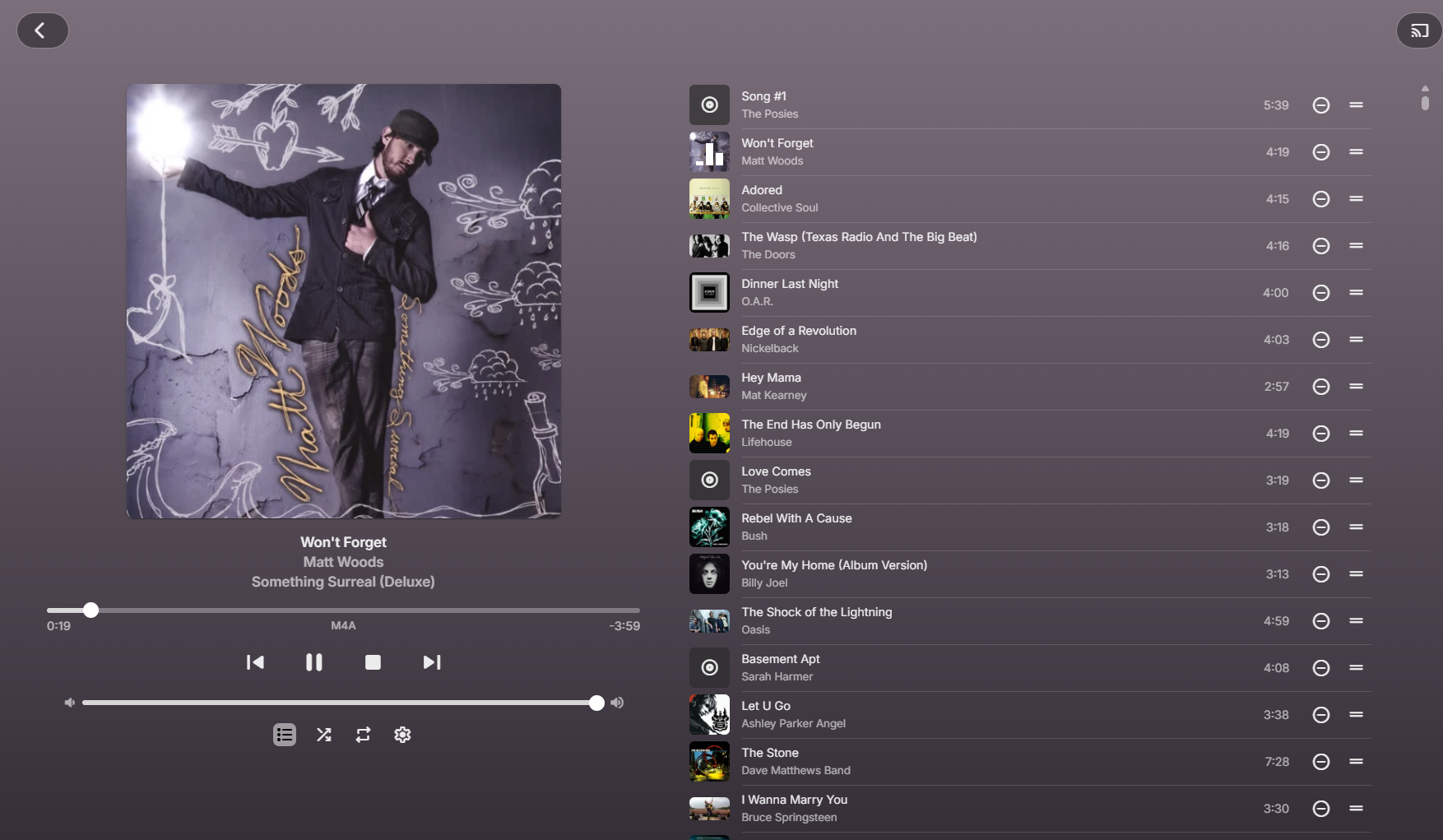
Bring your music collection to life with rich album artwork, effortless playlists, and a beautiful now-playing experience on every device.
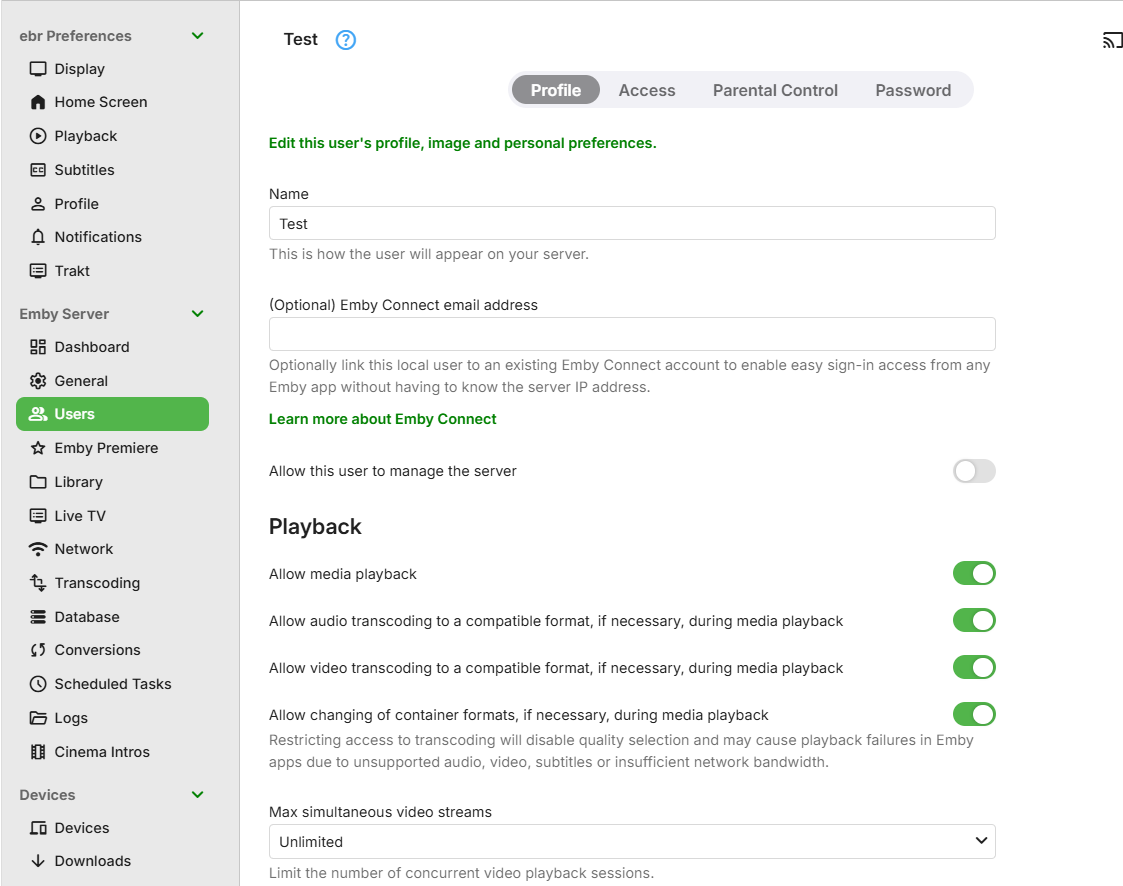
Your content stays on your server. Create individual users, set parental controls, manage access, and decide exactly who sees what.
Start in minutes
Point Emby to your own videos, music, photos, and supported live TV sources.
Show me howInstall an Emby app on your TV, phone, tablet, computer, or streaming device.
Explore appsGo further
Unlock bonus features including mobile downloads, hardware accelerated transcoding, free apps, and more.